
Visualize your material
AI Concept Map Generator from Your Documents
A concept map should tell you how ideas connect, not just put them in boxes. Upload your document to this AI concept map generator, then check the relation labels and adjust the diagram before using it to revise.
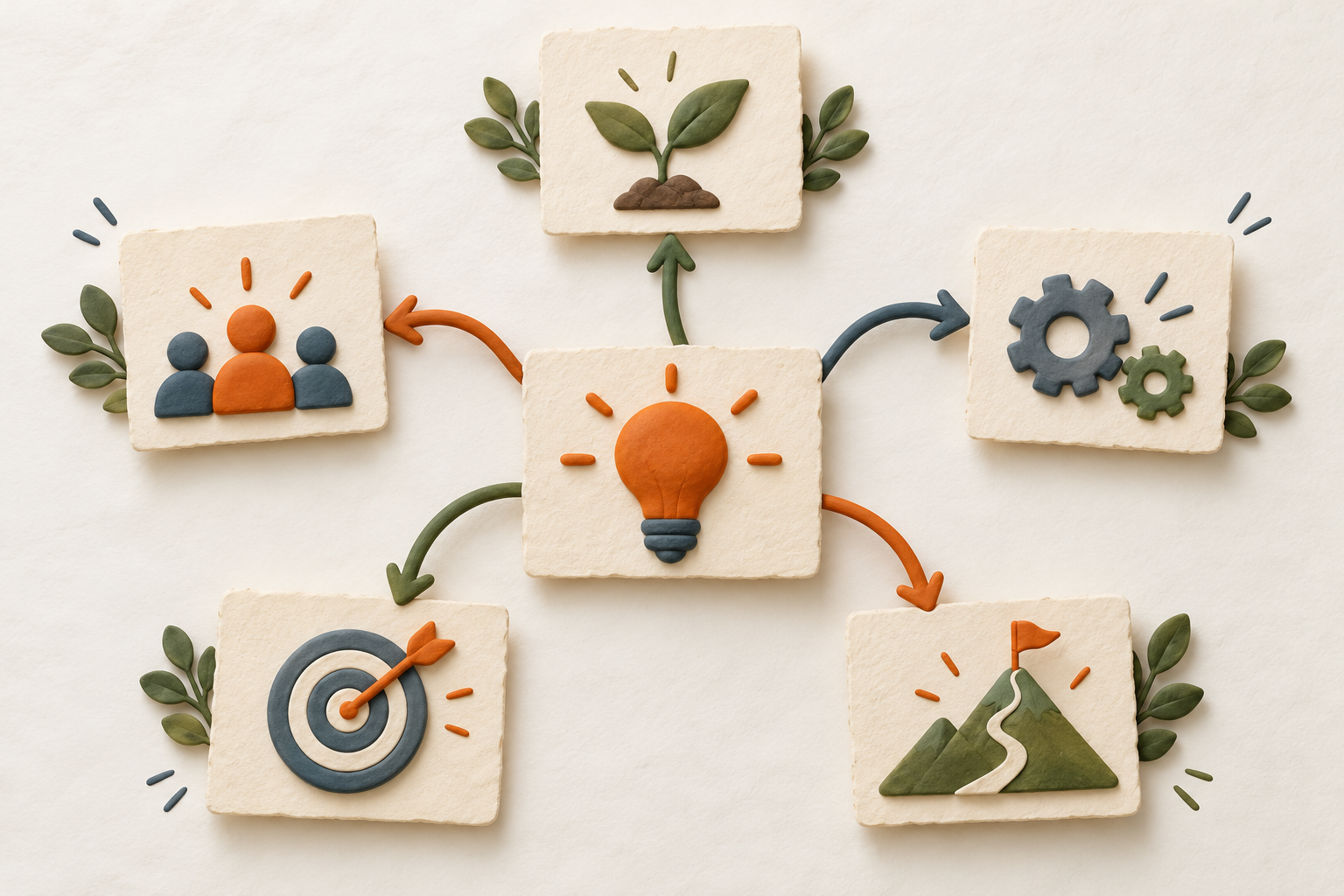
How the concept map generator works
Select Visualize, upload a supported document and let the pipeline identify central concepts and relationships. The board adapts to the material instead of forcing every topic into the same row or radial template.
Relationship labels matter
A concept map should express why two nodes connect. Generated visuals are checked against extracted source evidence, but you should still compare important links with the document. Remove or ignore a connection that the source does not support.
Use the board as a question plan
Turn each relationship into a prompt: what produces this, what depends on it, what contrasts with it, and what changes downstream? Then answer without looking. The map organizes the target; retrieval builds the memory.
Supported sources and scan use
Memorizite accepts PDF, TXT and Markdown up to 10 MB. One completed visual generation uses one scan. The card-required 7-day trial includes 10 total scans. Failed or unvalidated generation should not consume the completed scan allowance.
What this tool is not
It is not an official syllabus, a medical decision tool or a general-purpose diagram editor. It does not guarantee that every source becomes a particular map style. Keep the original document as the authority.
A practical check before you finish
- Can every connection be read as a true sentence?
- Does each important idea trace back to the source?
- Can you reconstruct one branch without looking?
- Have you separated examples from general rules?
Choose Visualize before uploading. Start with ten free scans each month.
Start learning freeStudy nursing concepts visually
Nursing concept map guide, printable template and worked example