Objective and source
Objective: distinguish area from perimeter. Source: the relevant lesson and worked example in your course notes.
 Memorizite
A study guide is easier to use when it tells you what to practise, not just what to reread. Use the template below to organise your notes and check the coverage. Memorizite can generate practice questions from the file, rather than a finished downloadable guide.
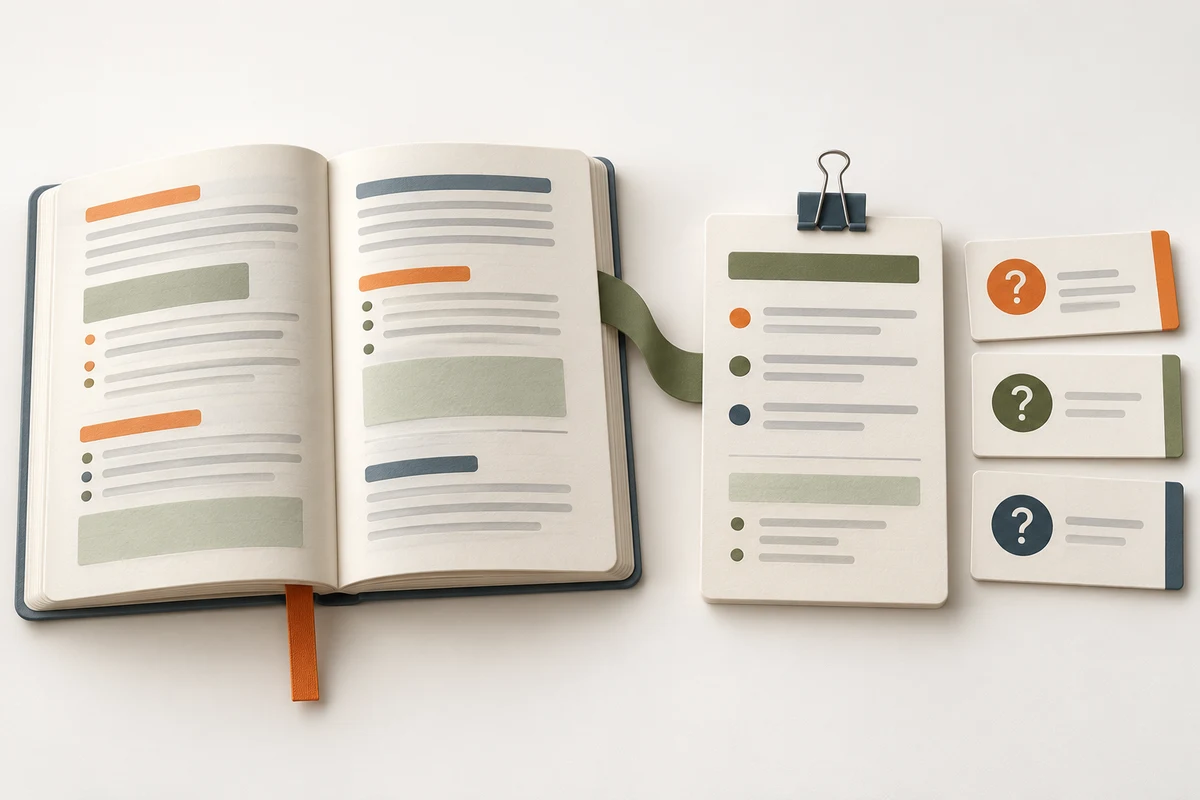
Download the study-guide template (Markdown). Open it in a text editor and replace the prompts with your course material. It contains sections for objectives, key ideas, source references, practice questions and unresolved points. The file is a template you fill in; it is not an AI-generated summary of an uploaded document.
Use the syllabus and lesson headings to decide what the guide must cover. Turn each objective into a response task: define, compare, calculate or explain. Keep the source page or section beside it. A guide should make coverage inspectable rather than compressing every paragraph into an unstructured list.
Write concise notes in your own words, retaining technical conditions and exceptions. If a detail is uncertain, mark it for checking instead of filling the gap with a guessed explanation.
Objective: distinguish area from perimeter. Source: the relevant lesson and worked example in your course notes.
Explain what each measure represents and which units belong to it. Then solve a source-supported example and compare your reasoning with the lesson.
Keep the definition and the application as separate checking tasks. This example was written for the guide, not produced by an automated study-guide generator.
Once you have clear source notes, choose short prompts for definitions and contextual questions for relationships. Keep the guide as your reference while checking generated answers. A small quiz does not automatically cover every objective, so leave untested items visible in the checklist.
See the flashcard generator for practice from notes and the quiz generator for document-based questions. Available formats depend on what the material supports.
No automated, downloadable study-guide output is promised here. Memorizite currently creates questions and study games from compatible documents. The downloadable template is a manual guide that you complete and check yourself.
Do not expect a finished summary, a verified official exam guide or a study calendar after uploading. Review your own guide against the source and use your course requirements to judge its completeness.
Memorizite accepts PDF, TXT and Markdown up to 10 MB in English, French and Arabic. The card-required 7-day trial includes 10 total scans; available formats depend on the source. Student and Pro add broader progress features and higher allowances. Check generated answers against your notes and arrange review dates yourself.