Start here
Checklist item: “Distinguish area from perimeter and use the right unit.”
 Memorizite
Planning a session
A revision checklist should record what you can do, not just which pages you have read. Replace a task like ‘revise cells’ with a question you can answer or a process you can explain without the notes.
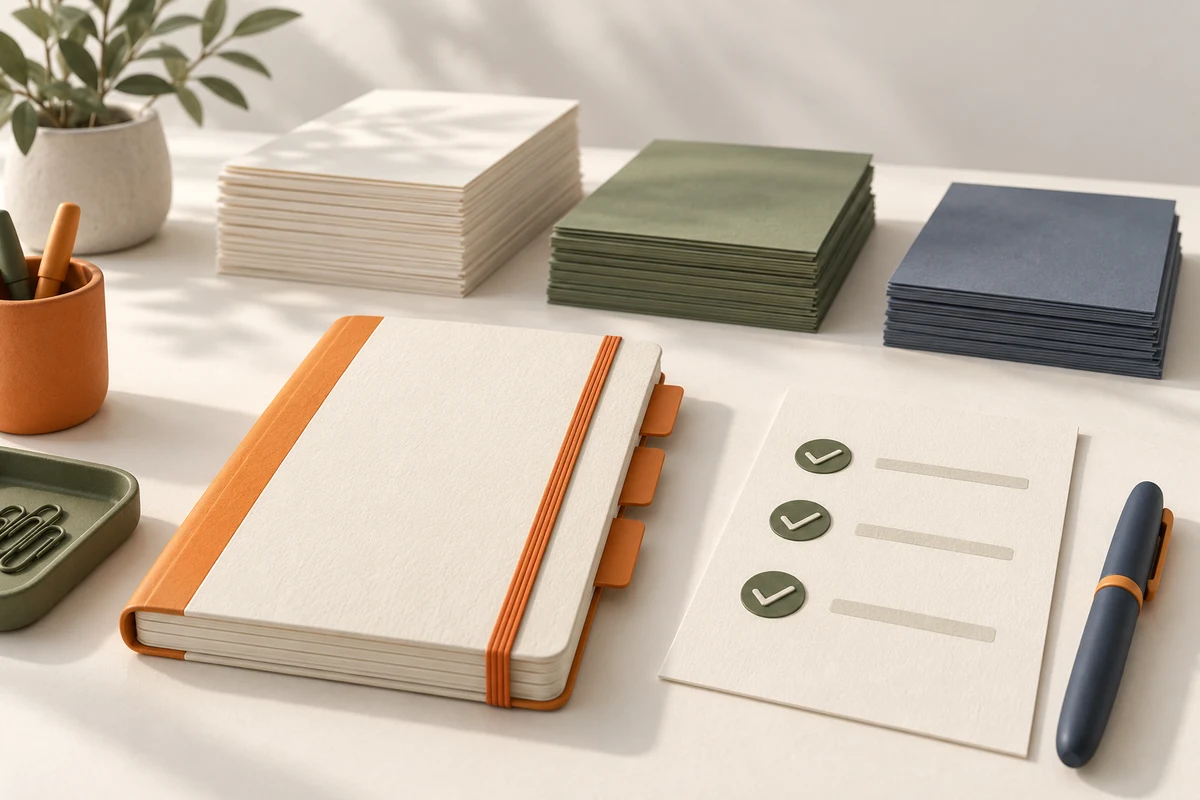
Use the syllabus and lesson material to identify required topics. For each heading, write what you need to do: define, compare, calculate or explain. Avoid a checklist that repeats only chapter names. Keep the source reference so you can check a response without searching the entire document again.
In your own notes, distinguish not attempted, attempted with help, checked independently and still uncertain. Choose labels you understand rather than an arbitrary mastery percentage. Record a short example of what you answered. A status should help you choose the next task, not claim certainty about an exam result.
A worked study task
Checklist item: “Distinguish area from perimeter and use the right unit.”
Evidence note: “Explained both definitions; confused cm with cm² in the example.”
The item remains partially unresolved and points to a unit task, even though you have already read the relevant chapter.
This is a worked example for the guide, not a screenshot or a ready-made deck. Your generated result will depend on the document you upload.
Group related tasks when they share a meaningful objective, but split items that hide several different difficulties. If a line says “everything in biology”, it cannot tell you what to review. If every sentence becomes a checkbox, the list may be harder to use than the original material. Revisit the grouping as you work.
Pick later review sessions using your available time and the unresolved tasks. This is a manual planning workflow. Memorizite’s progress features do not turn this checklist into an automatic calendar, and broader progress access depends on the plan. Keep the course objectives as the reference for coverage.
Memorizite creates practice from your own PDF, TXT or Markdown documents, up to 10 MB. Supported document languages are English, French and Arabic. The card-required 7-day trial includes 10 total scans; available game formats depend on the material. Student and Pro add broader progress features and higher scan allowances.
Keep the original lesson nearby to check generated answers. Plan your own review dates: this workflow does not provide an automatic study calendar, a downloadable summary or a guaranteed exam result.
trial account · 10 total scans during a 7-day card-required trial · check generated answers against your notes.
Start learning