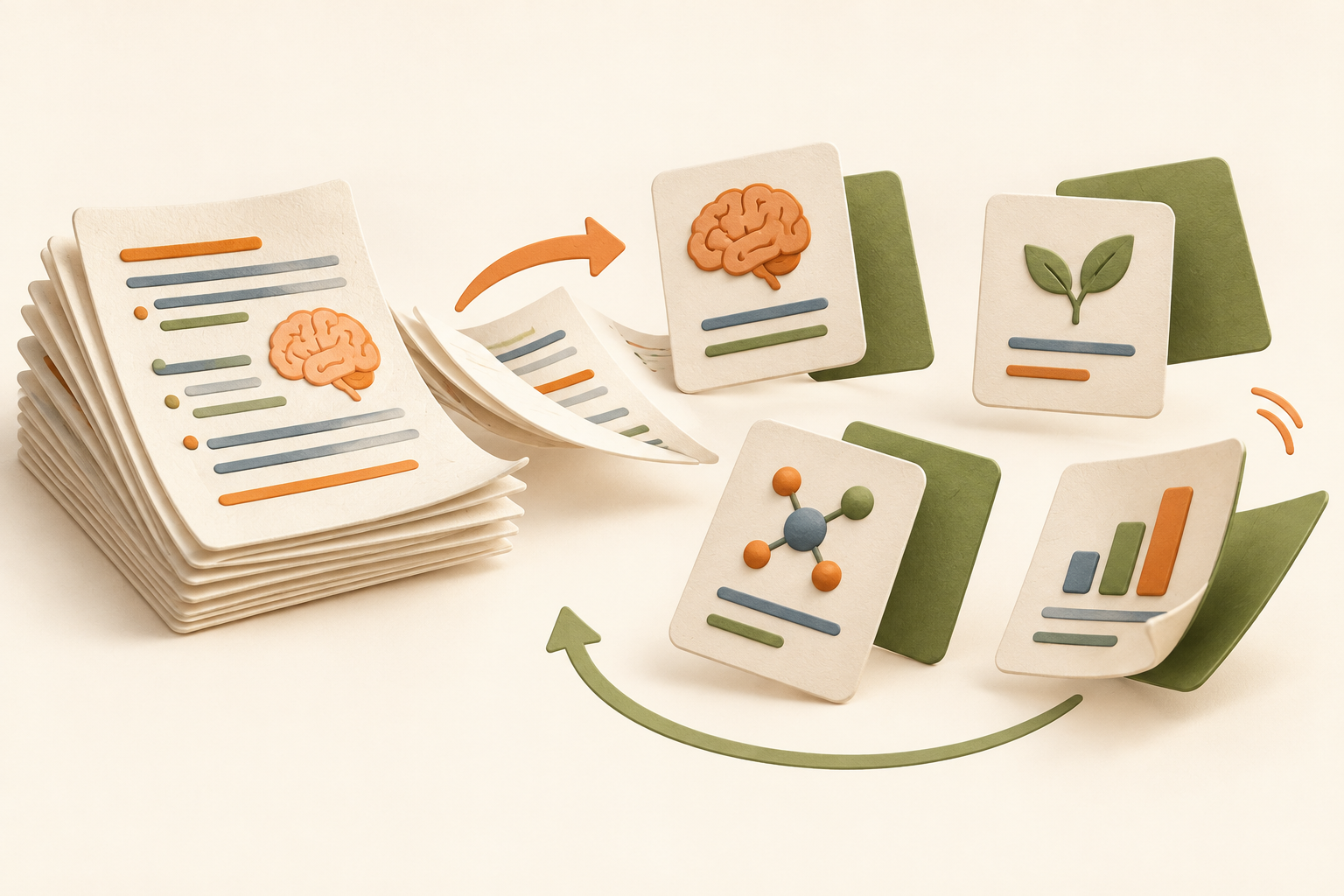
Turn your notes into flashcards without copying every paragraph onto a card. Upload a focused file, review the proposed questions and answer before revealing the back. A short card still needs enough context to be clear.
A PDF to flashcards workflow you can verify
A reliable PDF to flashcards workflow begins with readable pages and complete captions. Generate a small set, compare each answer with the source, and remove cards that depend on missing context.
Scanned or image-heavy documents may need OCR. Confirm formulas, tables and unusual symbols before studying the result.
Make each card test one useful idea
A strong flashcard has a clear retrieval target: the meaning of a term, the role of a structure or the condition required for a process. Cards that ask for an entire page invite vague self-grading. Focused notes help Memorizite identify compact ideas that can be checked against the source.
Reverse recall checks the relationship
Knowing that mitochondria produce most cellular ATP does not automatically mean you can name the organelle when given its function. When a concept supports it, a later reverse card tests the relationship from the other direction instead of immediately repeating the same card position.
Use confidence honestly
Choose “I know it” only when you recalled the answer before revealing it. If the response missed a key condition, mark the concept for review. The original notes remain the authority, especially for formulas, dates, specialist terminology and exceptions.
Have a PDF to study?
Upload it and create flashcards during a seven-day trial (card required).
Troubleshoot your PDF before turning it into flashcards
File size is only one part of preparing a PDF. A small file may contain photographs of pages rather than selectable text. A clean-looking table may extract in the wrong reading order. Try copying a paragraph into a plain-text editor and check whether the sentences, headings and important symbols still make sense.
Two-column lecture notes
If lines from different columns are mixed together, separate the topic into a simpler document. Keep each definition next to its explanation. A card generator cannot reliably recover relationships that disappeared during extraction.
Equations and diagrams
Check superscripts, minus signs and variable names. If a diagram carries the explanation, add a readable description of the relationship to your notes. Text extraction alone may miss information represented only by arrows or labels.
What to do when the deck misses a topic
First confirm that the topic appears as readable text in the uploaded file. Then check whether it is buried among page numbers, references or repeated headers. Prepare a focused chapter or topic with clear section titles, staying within the upload limit. Do not repeatedly scan the same unclear file expecting a different extraction result.
After generation, check a few cards against the PDF before starting a longer session. These checks matter most for precise terminology and formulas. To test relationships as well as definitions, try the AI quiz generator. For a broader choice of exercises from the same source, explore study games.
Upload a PDF
Memorizite accepts PDF uploads up to 10MB, alongside TXT and Markdown
files, in English, French, or Arabic — including mixed-language
documents. Drop the file onto the upload area or browse your files;
text is extracted on your device before anything is generated.
Scanned or image-only PDFs need selectable text: if a file has no
readable text layer, the app will tell you instead of guessing.
Good source files produce the best flashcards from PDF pages —
clean text in, precise cards out.
How cards are created
Key ideas are identified. The document is analyzed
to find the concepts that matter, separating important facts from
supporting details.
One card per idea. Each flashcard pairs a single
concept with the precise fact worth memorizing — no multi-part
questions that hide what you do and don't know.
You review and grade yourself. Study the front,
recall the back, and mark what you knew. Cards you miss resurface
sooner until they stick.
Study from lecture slides and textbooks
Dense chapters and slide decks are exactly what this workflow is for:
a 40-page chapter becomes a focused deck of notes to flashcards in
one upload. Because the same material also produces quizzes,
matching, ordering, and fill-in-the-blank rounds, you can rotate
formats instead of rereading. Students preparing for exams often pair
the deck with the techniques in our
study guide, while an
AI flashcard generator handles
the deck-building for any notes beyond PDFs.
From a 40-page PDF to a focused deck
Here is what typically happens with a real lecture PDF — say, 40
slides on cell biology:
Minutes 0–1. Text is extracted on your device,
page by page. Diagrams and photos are skipped — only readable text
becomes cards.
Minutes 1–2. Key ideas are identified: organelles,
processes like osmosis, and the terms your lecturer bolded or
repeated. Supporting fluff stays out.
Minute 2. You get a deck where each card pairs one
concept with one fact — "Mitochondria" on the front, what it does
on the back — plus quiz and matching rounds from the same material.
The deck is smaller than the chapter on purpose: forty pages of
reading usually compress to the few dozen ideas actually worth
memorizing.
Which PDFs work — and which do not
Work great. Lecture slides, textbook chapters,
papers, and handouts with selectable text — in English, French, or
Arabic.
Need closer checking. Scanned and image-heavy PDFs depend on successful extraction or OCR. Use readable text when possible; failed extraction can prevent generation.
Watch the size. Files up to 10MB upload directly;
for a huge textbook, upload one chapter at a time — smaller decks
per chapter also review better than one giant pile.
FAQ
Which files can I convert to flashcards?
PDF, TXT, and Markdown files up to 10MB, in English, French, or
Arabic. Readable text gives the most reliable results; image-only PDFs may fail extraction.
How long does it take?
Processing time varies with the document, extraction and service availability; no fixed completion time is guaranteed.
My PDF is mostly images and charts — will it work?
Image-heavy pages and handwriting can lose information during extraction. Include readable text and captions where possible, and check the generated cards against the original. Scans may need OCR and can fail.
Is it free?
Yes to start: The card-required 7-day trial includes 10 total scans, and
each upload costs one scan. Paid plans add more.
Do I keep my cards?
Yes. Your documents, cards, and progress are saved to your account
and sync across devices when you sign in.
Make each card test one useful idea
A strong flashcard has a clear retrieval target: the meaning of a term, the role of a structure or the condition required for a process. Cards that ask for an entire page invite vague self-grading. Focused notes help Memorizite identify compact ideas that can be checked against the source.
Reverse recall checks the relationship
Knowing that mitochondria produce most cellular ATP does not automatically mean you can name the organelle when given its function. When a concept supports it, a later reverse card tests the relationship from the other direction instead of immediately repeating the same card position.
Use confidence honestly
Choose “I know it” only when you recalled the answer before revealing it. If the response missed a key condition, mark the concept for review. The original notes remain the authority, especially for formulas, dates, specialist terminology and exceptions.
Stop rereading. Start remembering.
trial account · 10 total scans during a 7-day card-required trial · card required for the trial.