Before the countdown
Select three cards about one topic and check their answers against your notes. Open the timer on your device and choose a duration you can manage.
 Memorizite
A study timer can protect a block of time, but it cannot choose the work for you. Use your own timer and the session outline below to set one task, take a break and check what you can recall afterward.
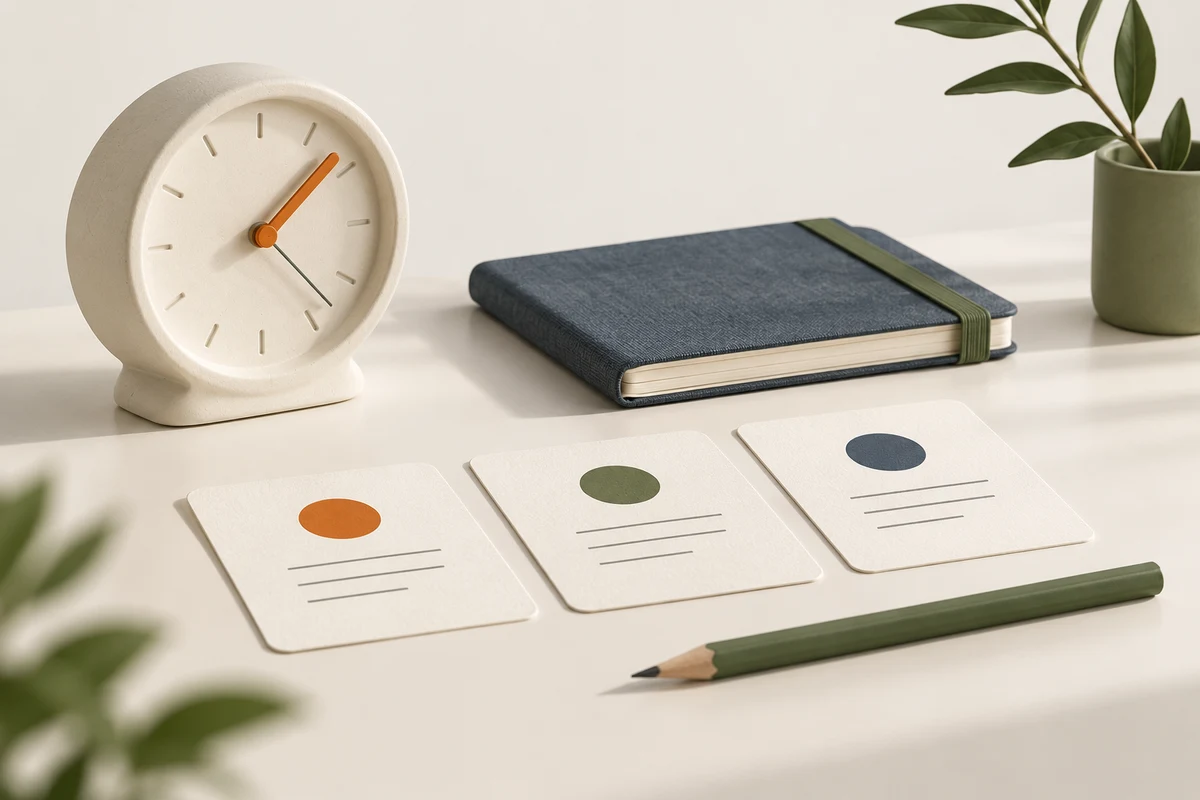
Define a result you can inspect: explain three terms, check one worked example or compare two concepts. Avoid a target such as “finish learning the chapter” when you do not know which responses it requires. Pick a session length that fits your circumstances; the example below is not a universal timing recommendation.
Select three cards about one topic and check their answers against your notes. Open the timer on your device and choose a duration you can manage.
Write which idea you could not explain. Take a break if appropriate, then decide whether the next task is another attempt, a source check or a different topic.
The card count and duration are your choices. A timer ending is not evidence that you have mastered the material.
If a generated question has an unclear answer, fix it before using it in a checking session. Otherwise the countdown measures source repair as well as your response. During practice, attempt an answer before revealing the solution. If you use a hint, record that in your own notes so you do not confuse an assisted response with an independent one.
When you need more time, change the session rather than rushing an explanation solely to beat the clock. The purpose of this workflow is to make a task bounded and inspectable, not to prescribe a speed target.
At the end, leave a short note with the source section and the unresolved detail. “Compare the two definitions before making another card” is easier to act on than “study more”. Organize the next review date manually. Do not treat the time spent as a measure of answer accuracy.
Read the Pomodoro guide for another way to structure work and breaks, or use the study planner template to record tasks.
No built-in focus timer is provided by this workflow. Memorizite creates practice from documents; use your own device timer alongside it. An automatically scheduled study calendar is also not promised. Use this manual routine with a timer you already have; setting the time is separate from answering study questions.
For practice itself, use study games or a document-based practice test, and keep the source available to check answers.
Memorizite accepts PDF, TXT and Markdown up to 10 MB in English, French and Arabic. The card-required 7-day trial includes 10 total scans; available formats depend on the source. Student and Pro add broader progress features and higher allowances. Check generated answers against your notes and arrange review dates yourself.